Documentation
Remote NetAlert Instances
Remote management capabilities
Remote management
NETALERT provides remote management capabilities, letting you configure and control multiple NETALERT instances from a central location. To enable remote management, follow these steps:
1.Define an API key on the target instance under Administration > Users & Access > API Keys.
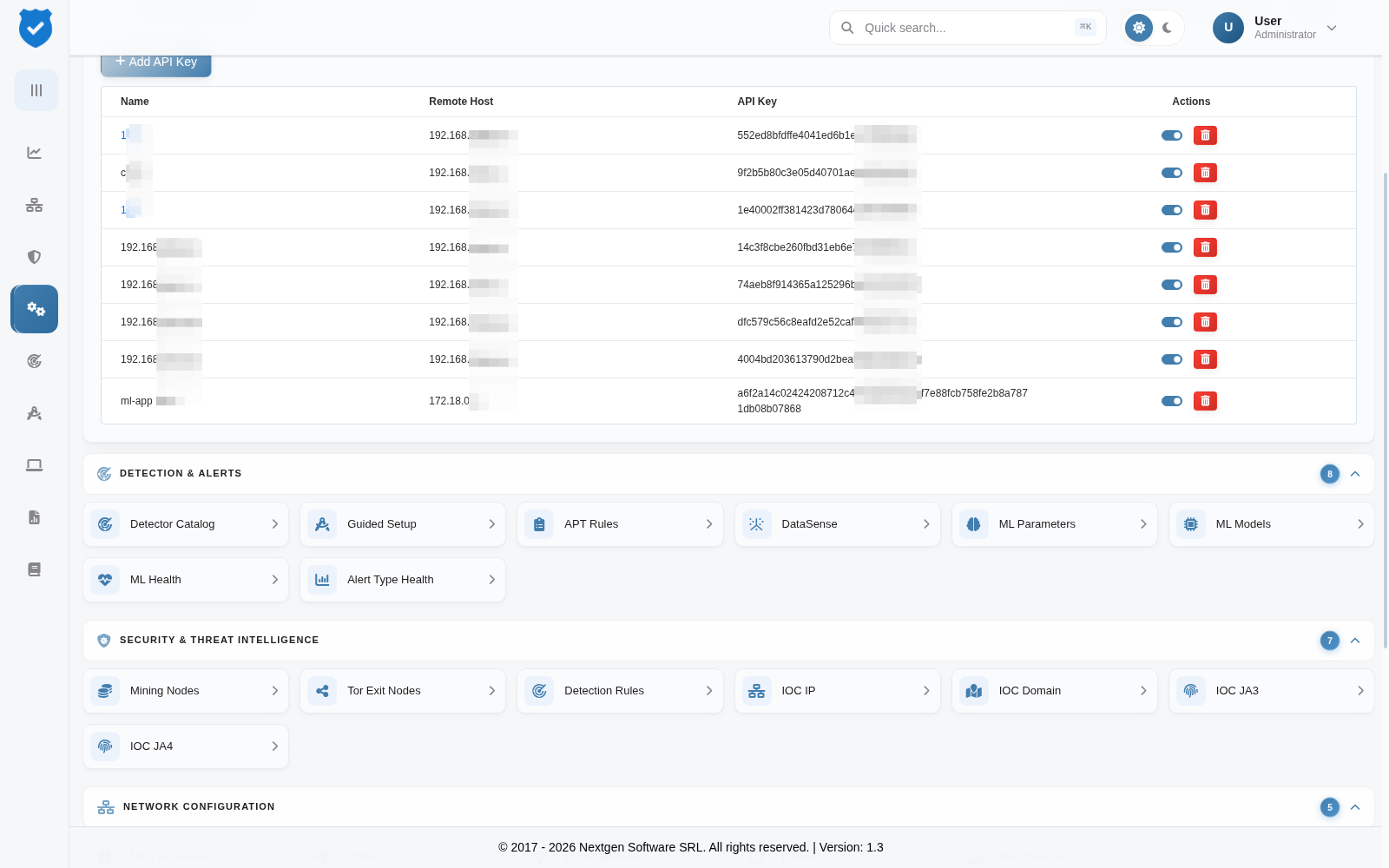
2.Add a new remote instance on the source instance under Administration > System Configuration > Remote Instances.

Remote authentication is based on both the IP address and the API key, ensuring secure access. This lets you centrally manage multiple NETALERT deployments while maintaining security and control.
For more details on setting up API keys and configuring remote hosts, refer to the API Keys section.
When using remote management capabilities, the local instance retains administrative privileges on the local instance.
Access remote admin settings
Once at least one remote instance is defined, a selector will appear at the top-right of the Admin page. Use it to switch between different instances for management.
Local Administrative Control – The local instance retains full administrative privileges over itself, even when managing remote instances.
Data Isolation – Remote management applies only to configuration and settings. Traffic data, packet captures (PCAP), alerts, and reports remain local to each instance. When you access these modules from a management instance, only the local data is displayed.

Adding a remote instance
Select Add Remote Instance and supply the details of the instance to be managed: a Name, the Remote Instance (IP Address), and the API Key (already defined on the remote instance). Click Save to add it. Existing instances can be edited or deleted from the Actions column.
Once added, the instance appears alongside the local one and can be selected when administering settings, so configuration can be applied without logging into each appliance separately.
Remote management applies to configuration only. Traffic, PCAP, alert and report data are not transferred between instances; each instance continues to hold its own captured data.