Documentation
Mail Sender
Mail Sender
Mail Sender
Overview
The Mail Sender feature allows administrators to configure email alerts for system notifications. This functionality is similar to the Forwarding feature and ensures important alerts are sent to designated recipients. To access the Mail Sender, navigate to Administration > Mail Sender, and the configuration page will open:
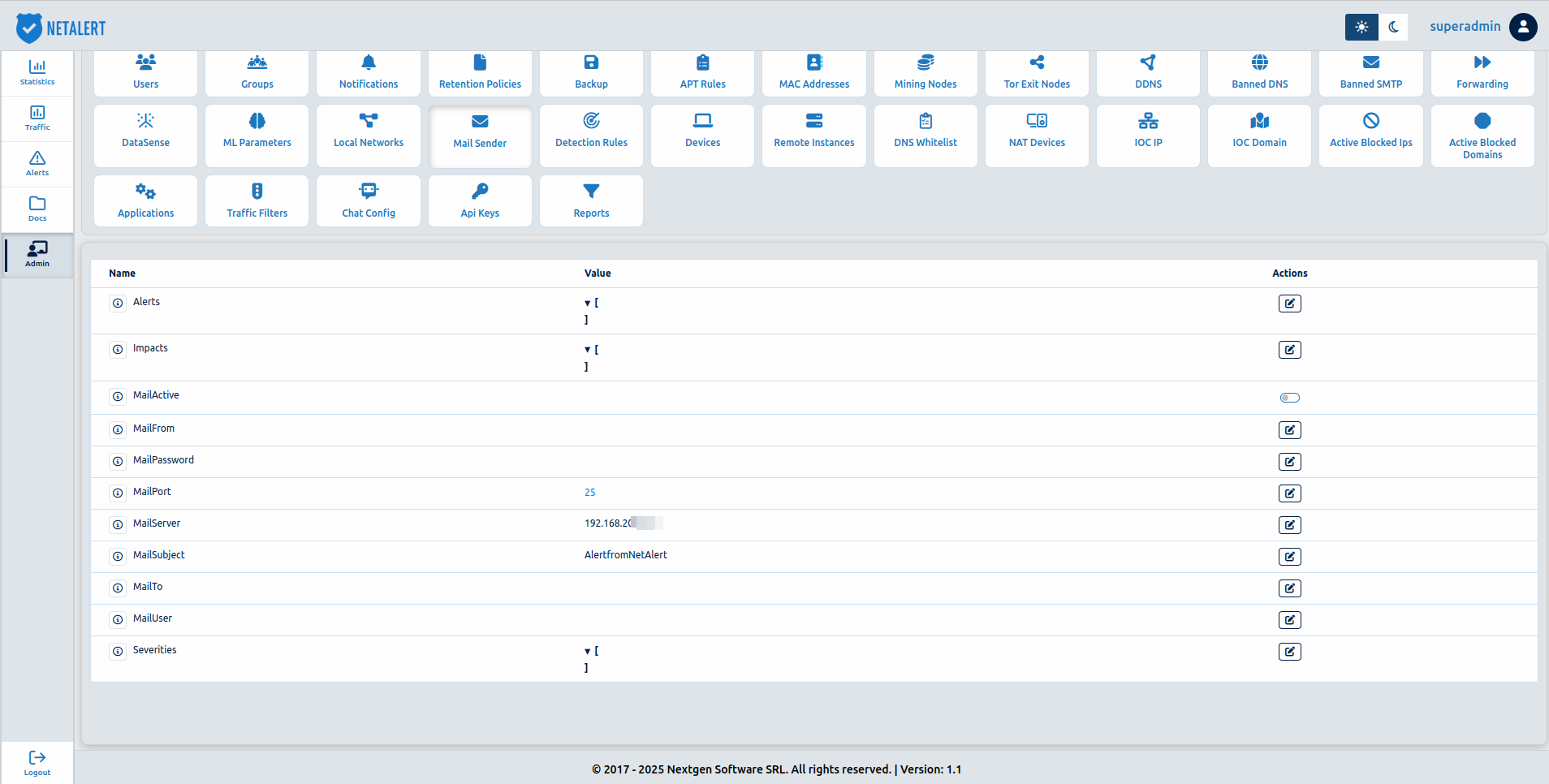
Mail Sender Configuration Fields
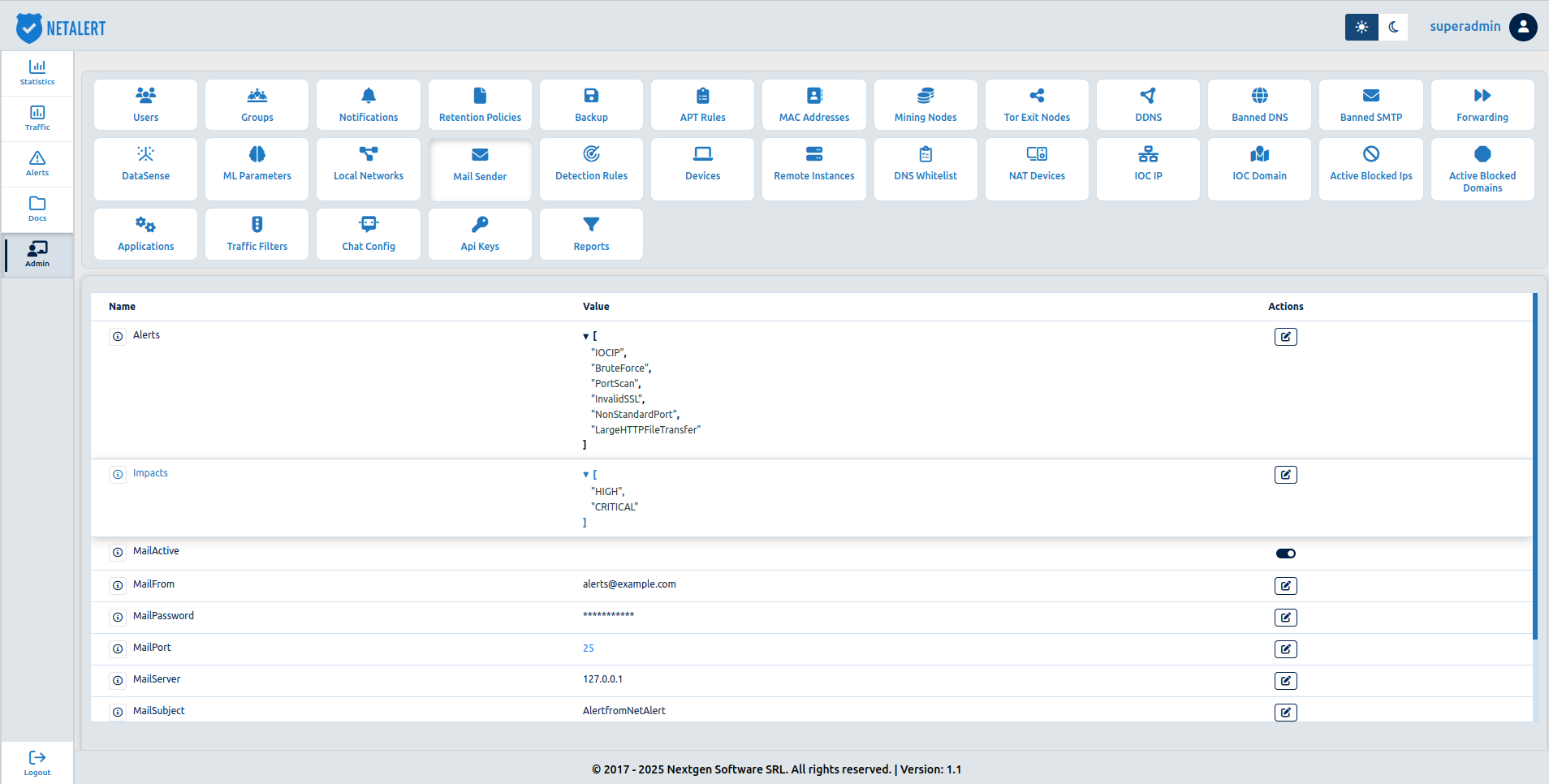
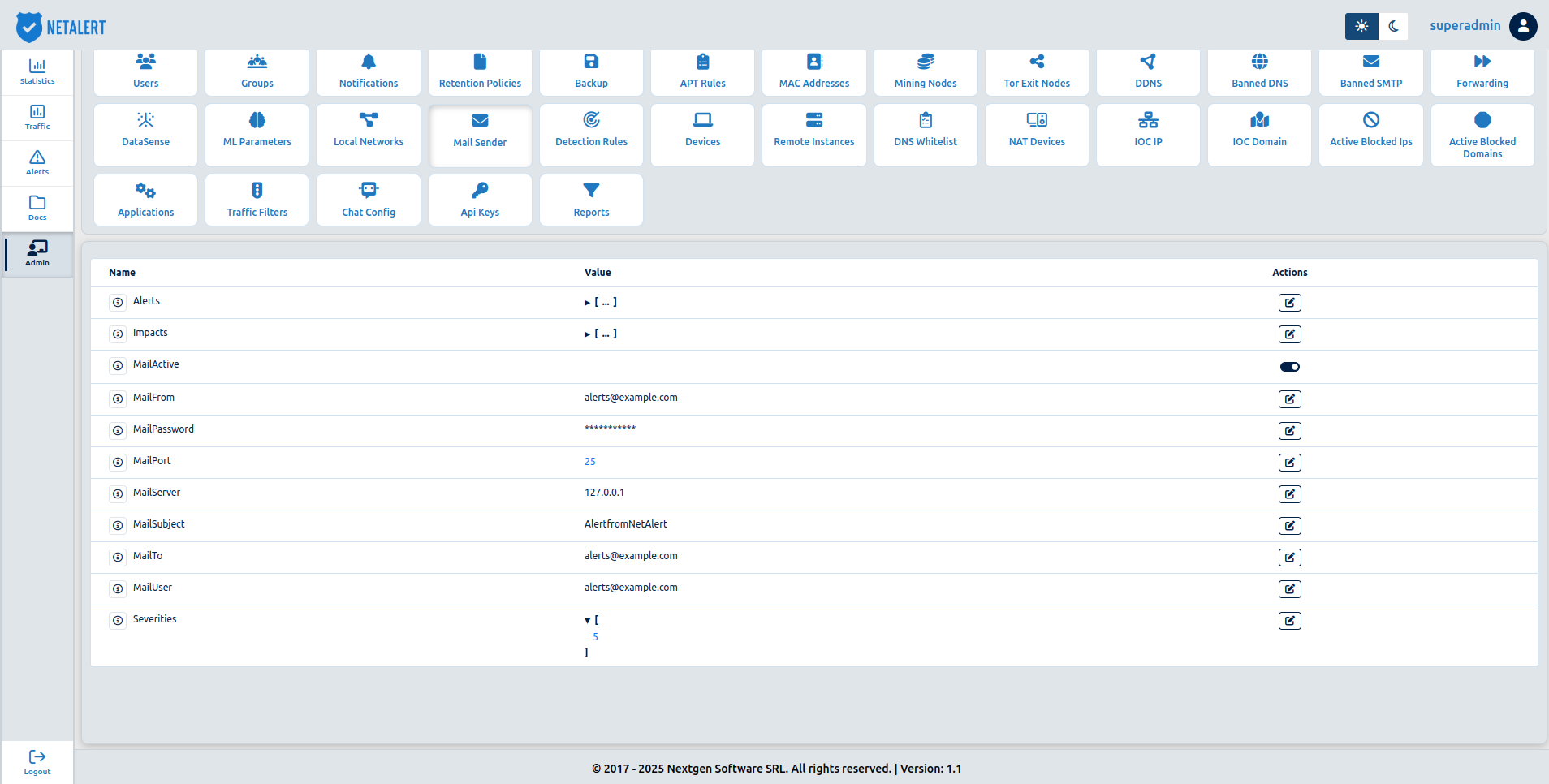
The following fields must be provided for email alerts to function properly:
| Parameter | Description | Example |
|---|---|---|
| Alerts | List of alert types or conditions triggering email notifications | Example: Security alerts, system errors, or network failures. See alerts types here |
| Impacts | Defines the severity category of the alerts being sent. Possible values: LOW, MEDIUM, HIGH, CRITICAL | Example: LOW, MEDIUM, HIGH, CRITICAL |
| MailActive | Enables or disables the email notification system | Example: Security alerts, system errors, or network failures.true (enabled) / false (disabled) |
| MailFrom | The sender’s email address (alerts will be sent from this address) | [email protected] |
| MailPassword | The password for email server authentication | ******** (hidden for security) |
| MailPort | The port number for connecting to the email server | 25, 465, 587 |
| MailServer | The IP address or hostname of the email server | mail.example.com / 192.168.1.100 |
| MailSubject | The subject line of the alert email | "System Alert: Network Issue" |
| MailTo | The recipient’s email address (alerts will be sent to this address) | [email protected] |
| MailUser | The username for authentication on the email server | [email protected] |
| Severities | Specifies the severity levels of alerts using a numeric scale from 0 to 9. Lower values may represent minor issues, while higher values indicate more critical alerts | Example: 0 (Informational), 5 (Warning), 9 (Critical failure). If set to 5, only alerts with severity 5 or higher will be sent via email |
Go back to the Administration index.