Documentation
Local Networks
Local Networks
Local networks
Overview
Use the Local Networks tab to specify network ranges considered internal or part of your local network infrastructure. This feature helps categorize IP addresses as either internal or external based on predefined rules.
Defining local network ranges is essential for:
- Network monitoring – Helps track and analyze internal traffic;
- Access control – Ensures security policies are properly enforced;
- Security management – Identifies external threats more efficiently;
- Accurate reporting – Provides clear insights into internal vs. external network traffic.
Default network ranges
By default, the system includes the following local network ranges in CIDR (Classless Inter-Domain Routing) format:
- 10.0.0.0/8
- 172.16.0.0/12
- 192.168.0.0/16
Editing local network ranges
To modify the predefined network ranges, follow these steps:
1.Navigate to the Local Networks Tab
- Navigate to Administration > Network Configuration > Local Networks.

2.Access the Edit Mode
- Click the Edit button to enable modifications.
- A list of existing network ranges will be displayed in CIDR format.
- Enter the network range in CIDR format (e.g.,
192.168.1.0/24). - Click Save to confirm the modifications.

Identifying external IP addresses
You can determine whether an IP address is external by checking the traffic logs:
To determine whether an IP address is external, navigate to Traffic tab > Traffic View.
Locate the
_OS7.isExternalTrafficfield:- If the External Traffic(_OS7.isExternalTraffic) field displays true, the IP address is classified as external.
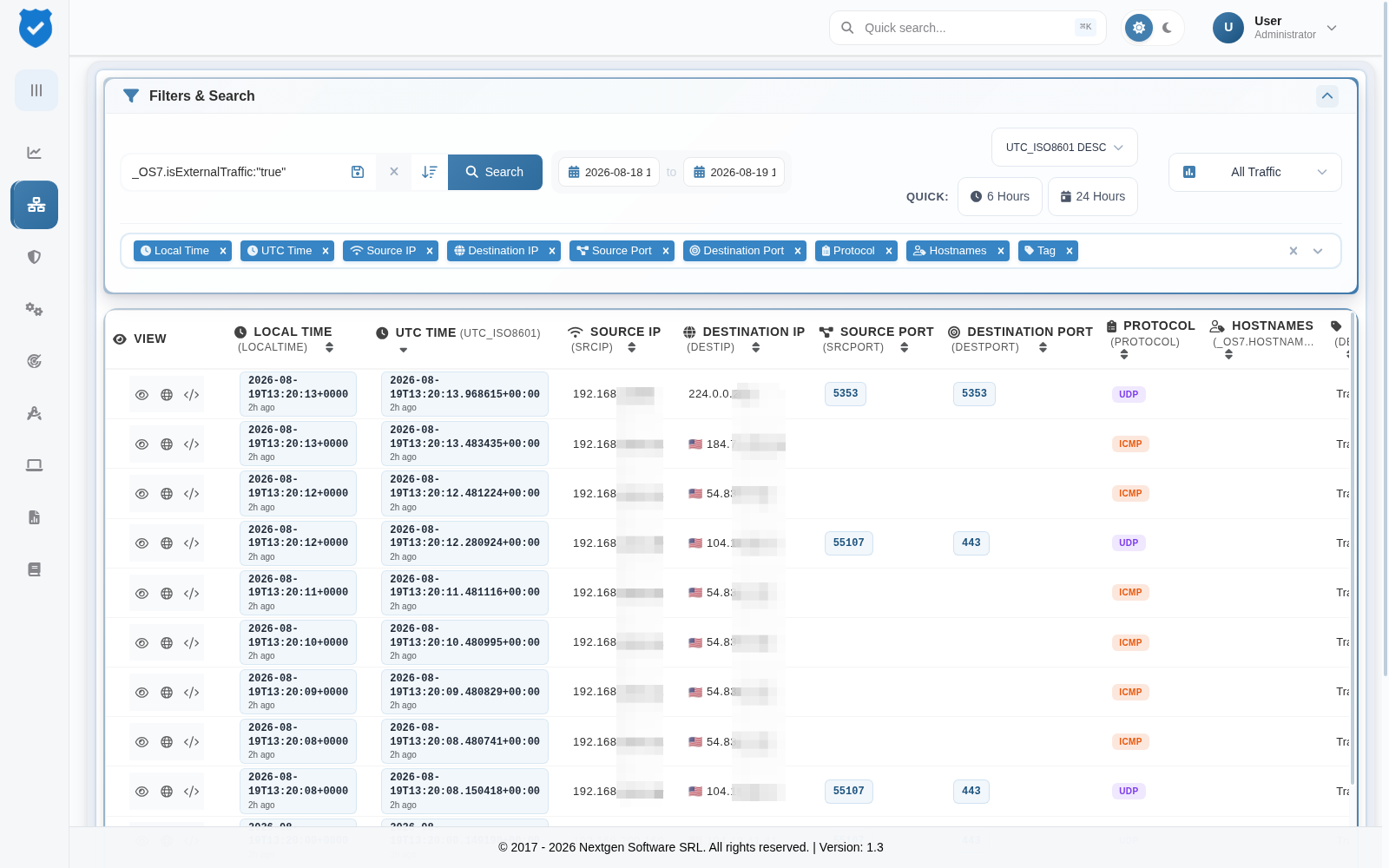
- If the External Traffic (_OS7.isExternalTraffic) field displays false, the IP address is classified as internal.
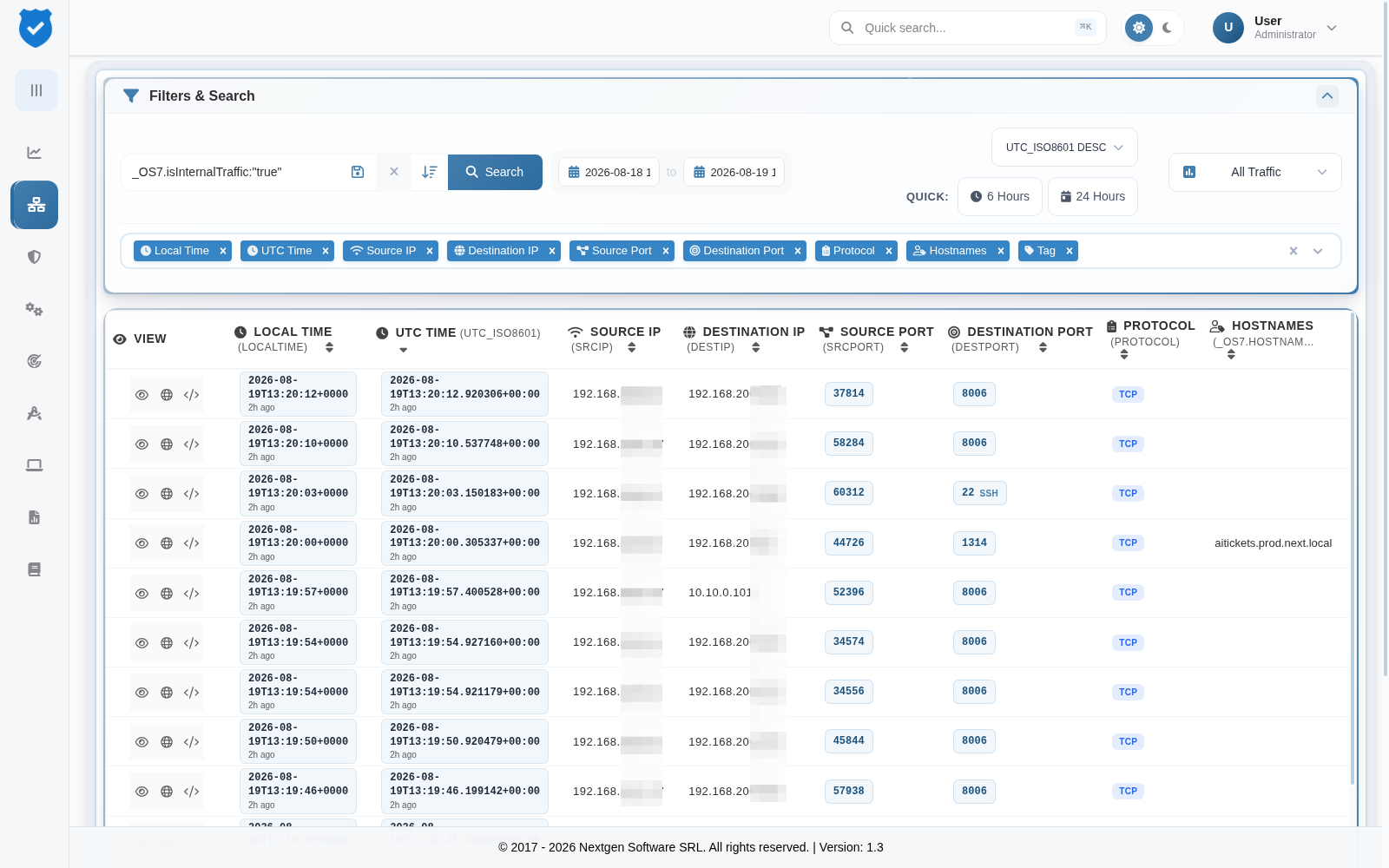
Go back to the Administration index.