Documentation
How to manage Ueba
UEBA Manager configures membership of users, assets, and events in related groups (UserGroup, AssetGroup, EventGroup) used for behavioral analytics and risk…
UEBA Manager configures membership of users, assets, and events in related groups (UserGroup, AssetGroup, EventGroup) used for behavioral analytics and risk scoring.
To access the page, go to Settings > Management > UEBA Manager.
User groups
Create a group in Users Groups by clicking the add button:  .
.
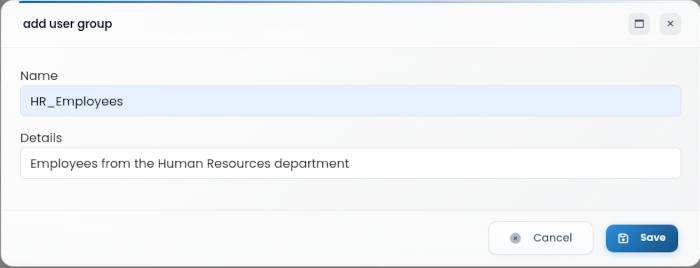
Name: Name that identifies the user group
Details: Additional details about the group
Click Save to create the user group, or Cancel to discard.
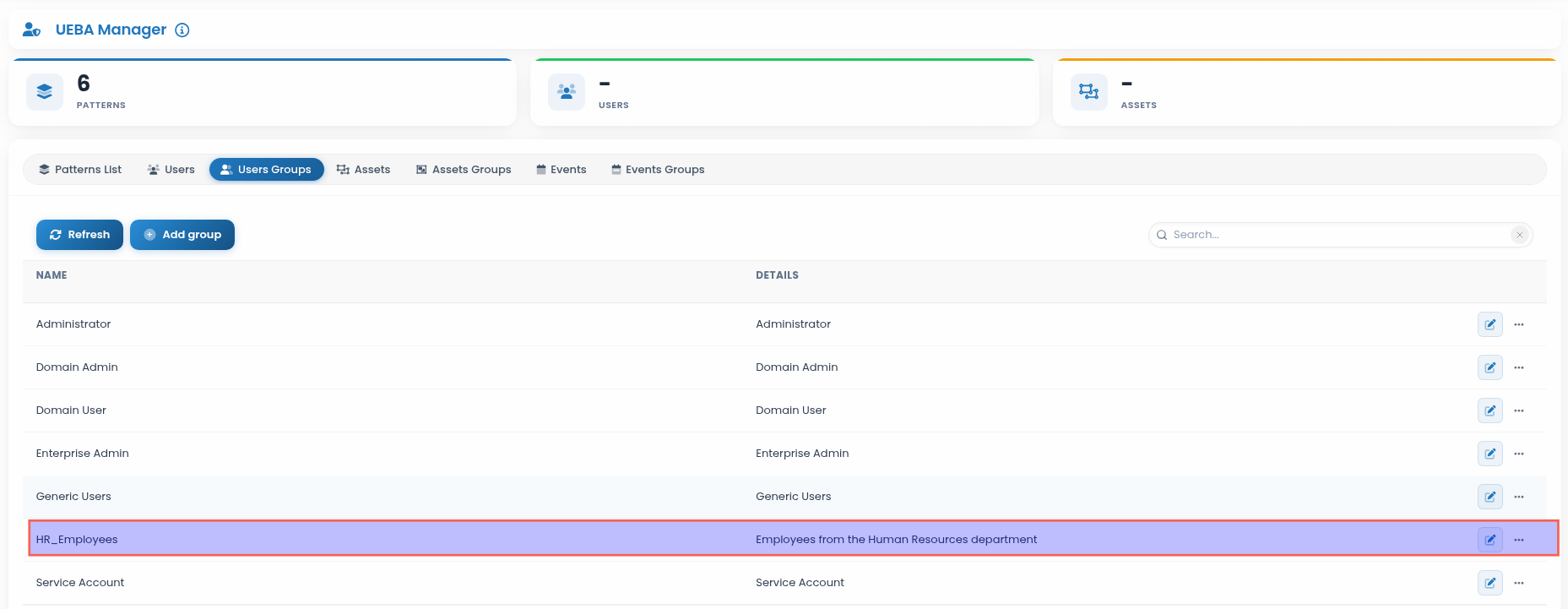
The Users Groups view lists existing groups and provides options to edit, update, or delete:
Users
Assign users to UEBA user groups.
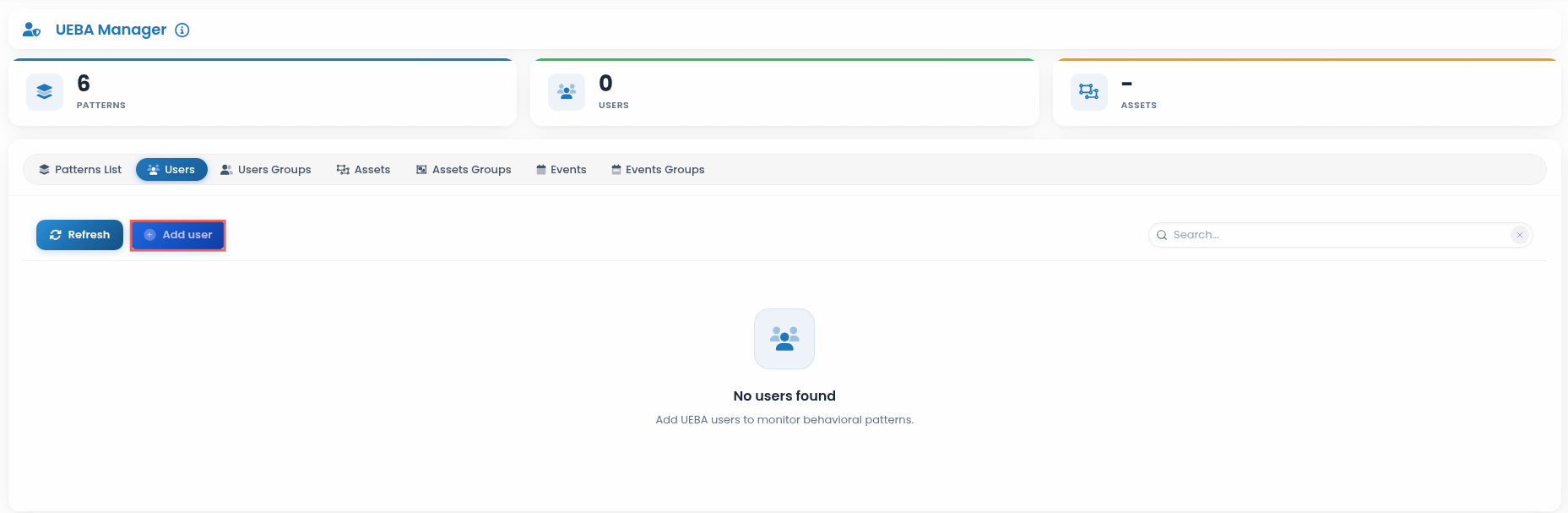
To add a user, click the “Add User” button.
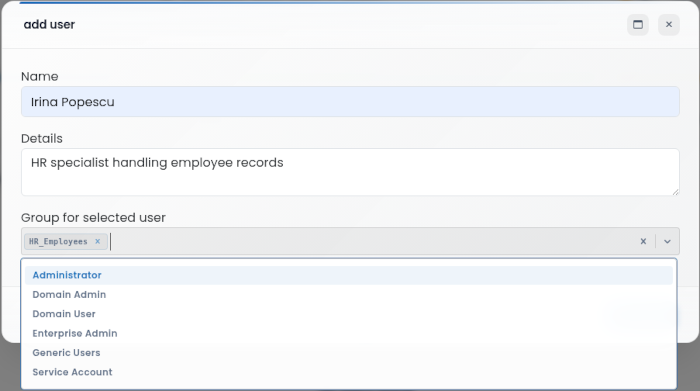
Name: Name that identifies the user
Details: Additional details about the user
Group for selected user: Group to which the user belongs
Click Save to create or update the user entry, or Cancel to discard.
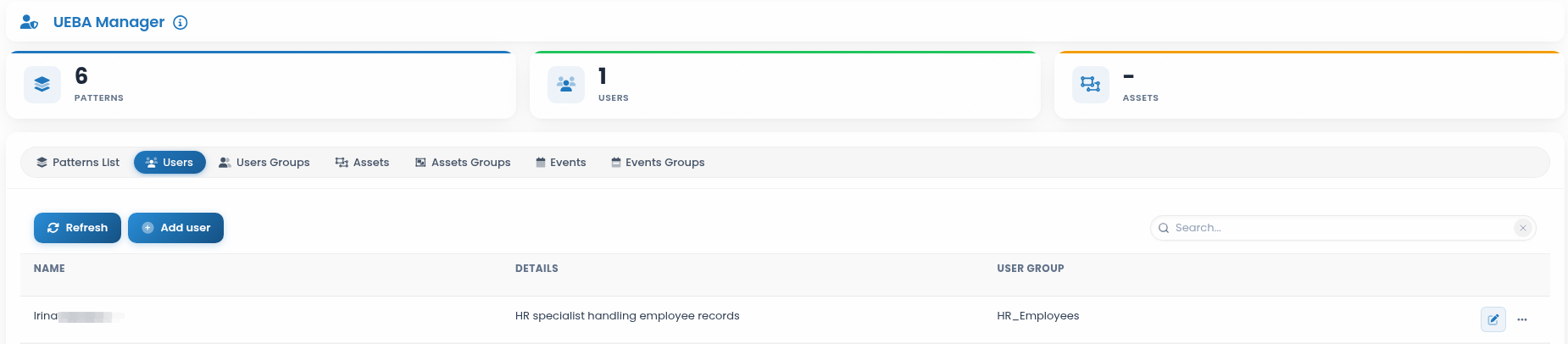
The Users view lists configured users and provides options to edit, update, or delete:
Asset groups
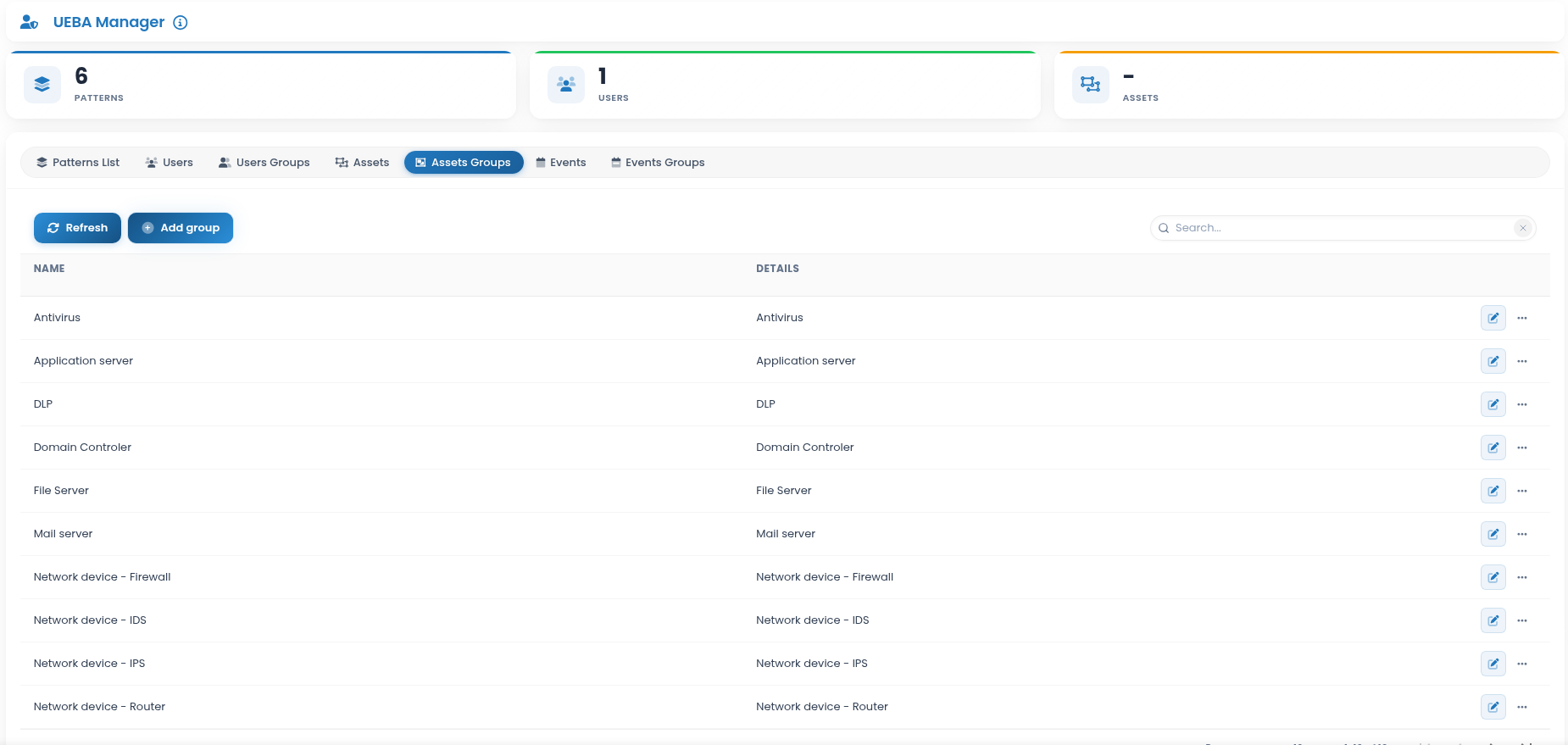
Create a group in Assets Groups by clicking the add button:
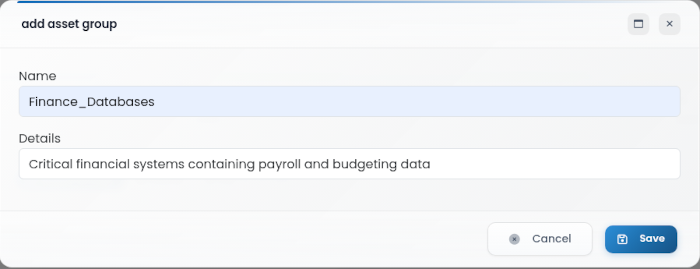
Name: Name that identifies the asset group
Details: Additional details about the group
Click Save to create the asset group, or Cancel to discard.
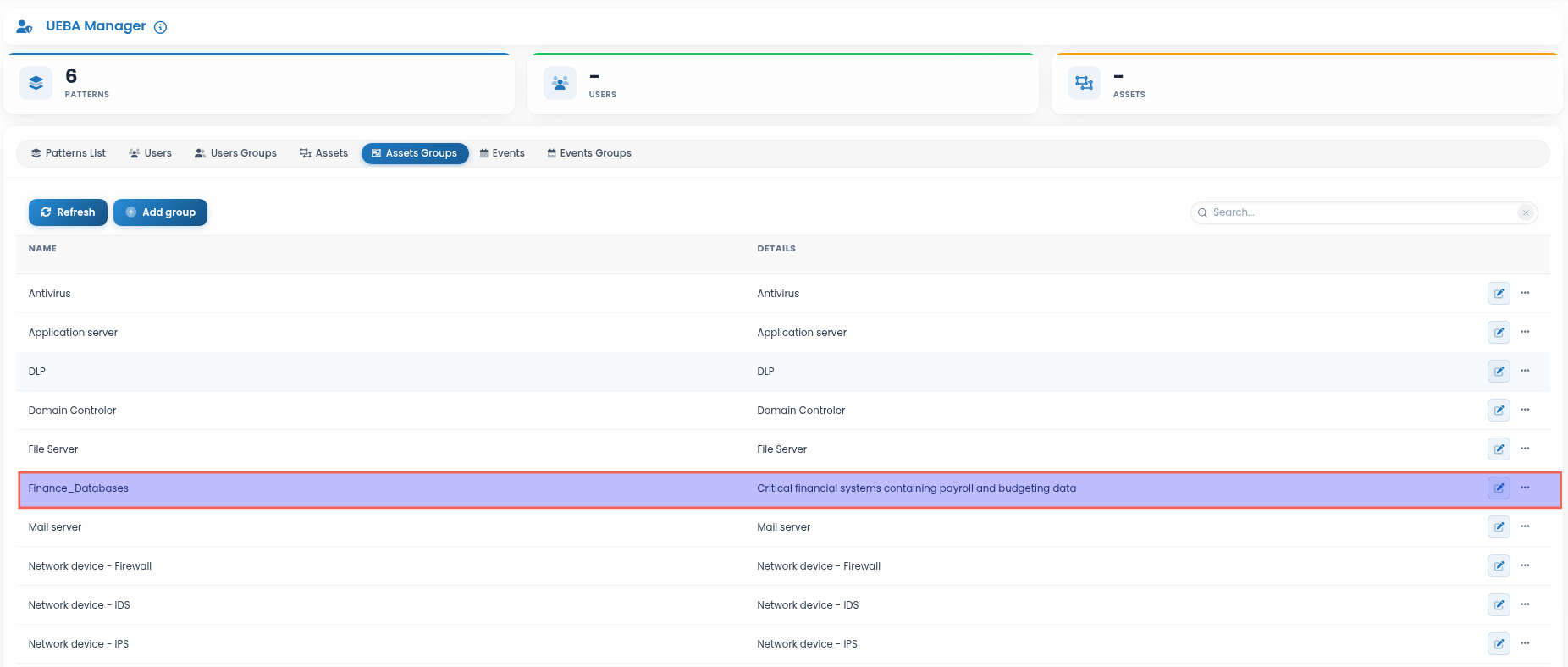
The Assets Groups view lists existing groups and provides options to edit, update, or delete:
Assets
Assign assets to UEBA asset groups.
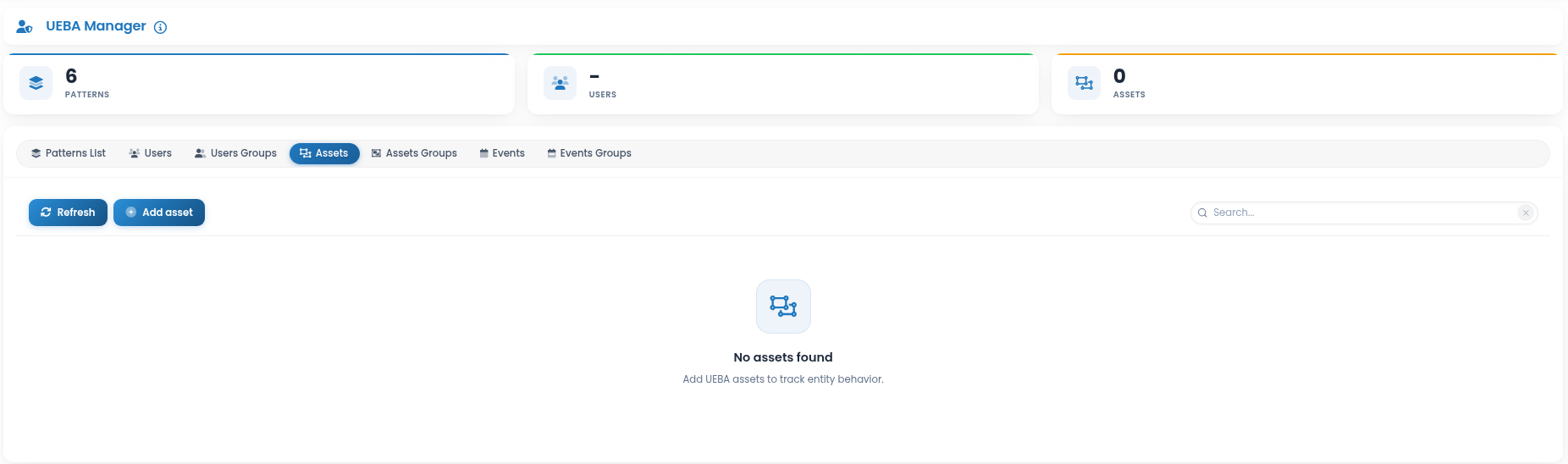
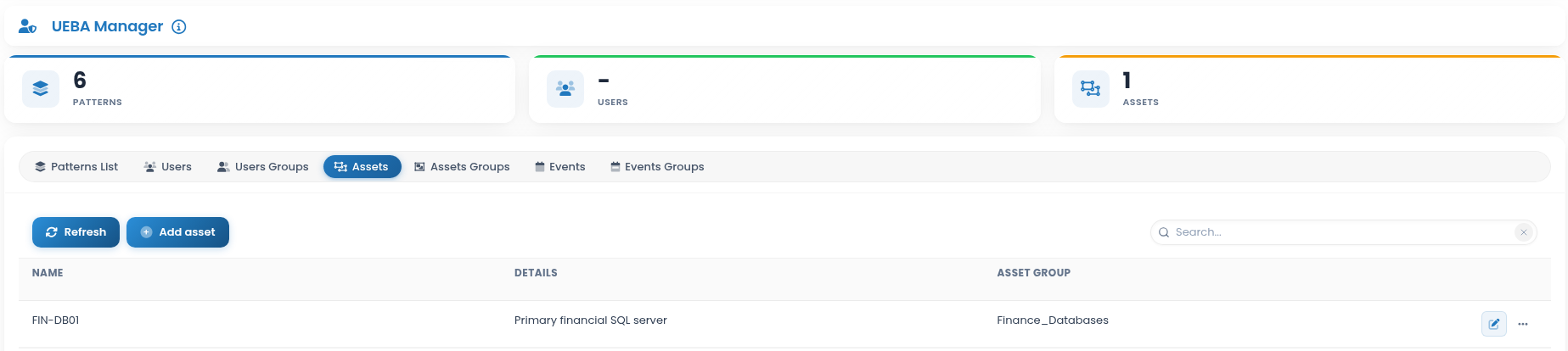
To add an asset, click the “Add asset” button:
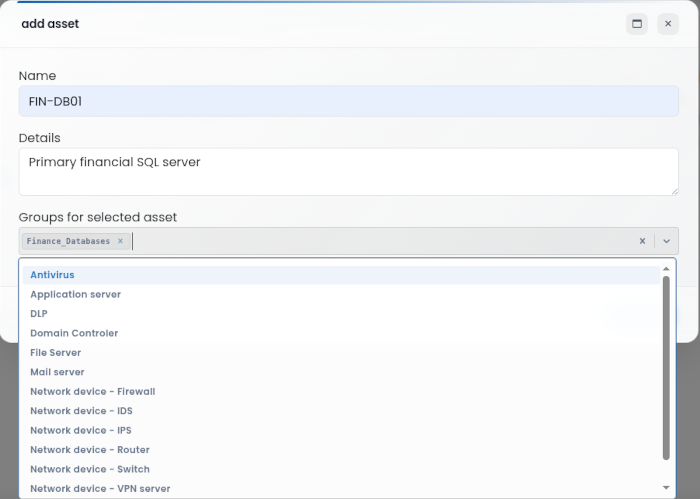
Name: Name that identifies the asset
Details: Additional details about the asset
Group for selected asset: Group to which the asset belongs
Click Save to create or update the asset entry, or Cancel to discard.
The Assets view lists configured assets and provides options to edit, update, or delete:
Event groups
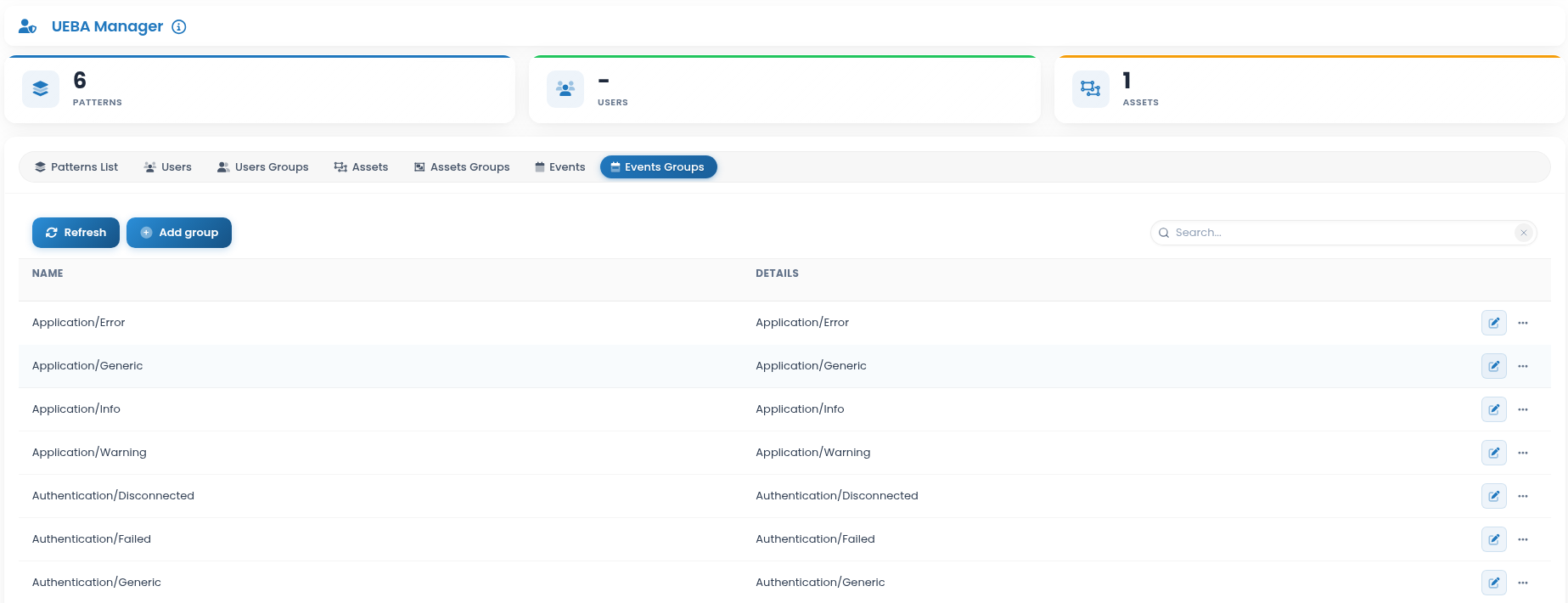
Create a group in Events Groups by clicking the add button:
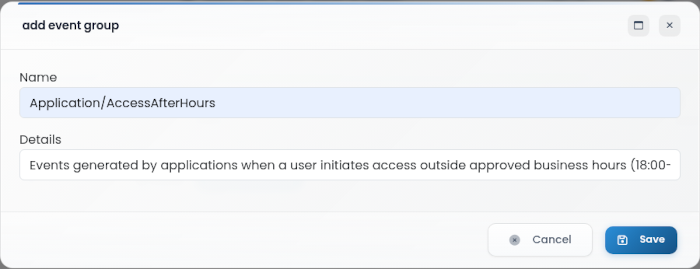
Name: Name that identifies the event group
Details: Additional details about the group
Click Save to create the event group, or Cancel to discard.
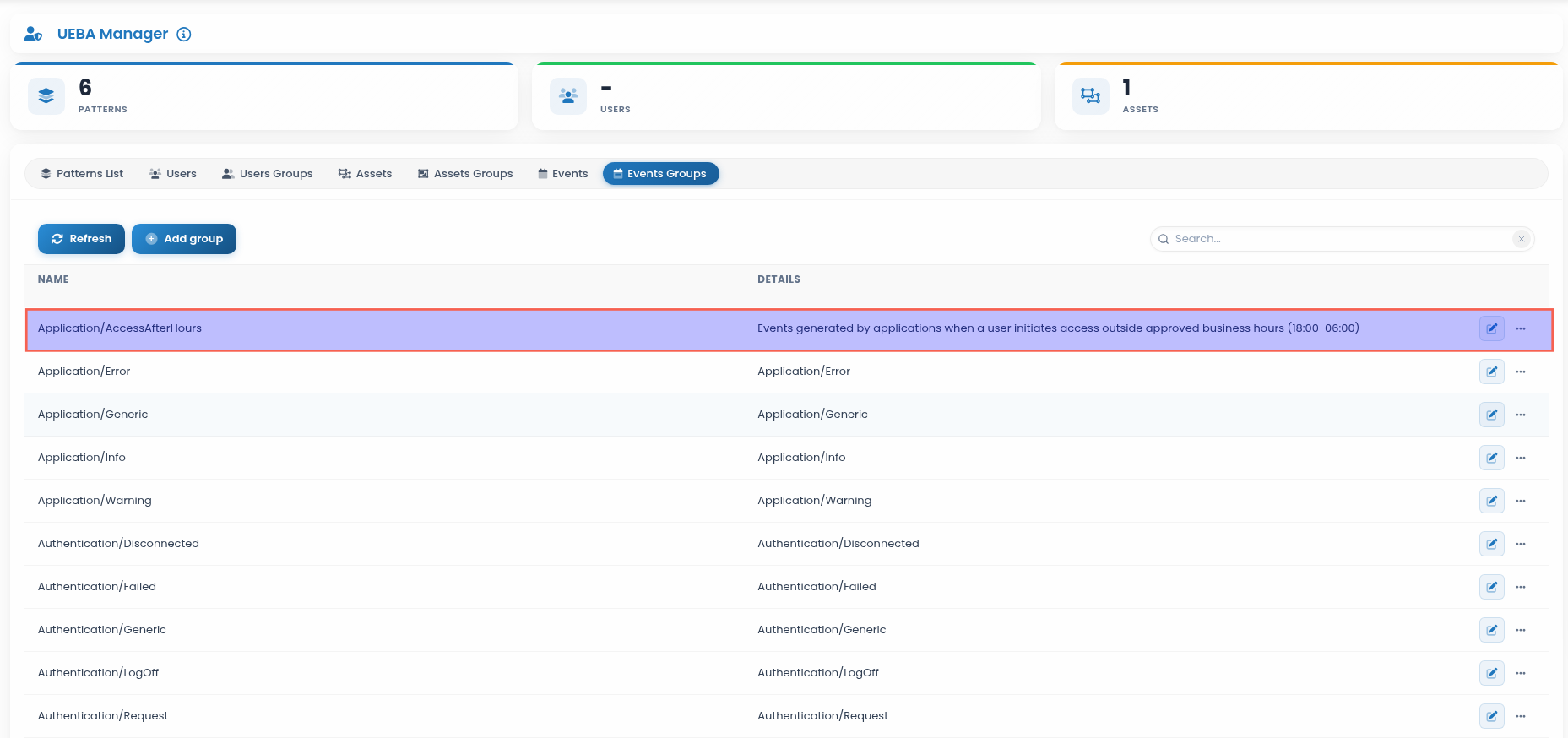
The Events Groups view lists existing groups and provides options to edit, update, or delete:
Events
Assign events to UEBA event groups.
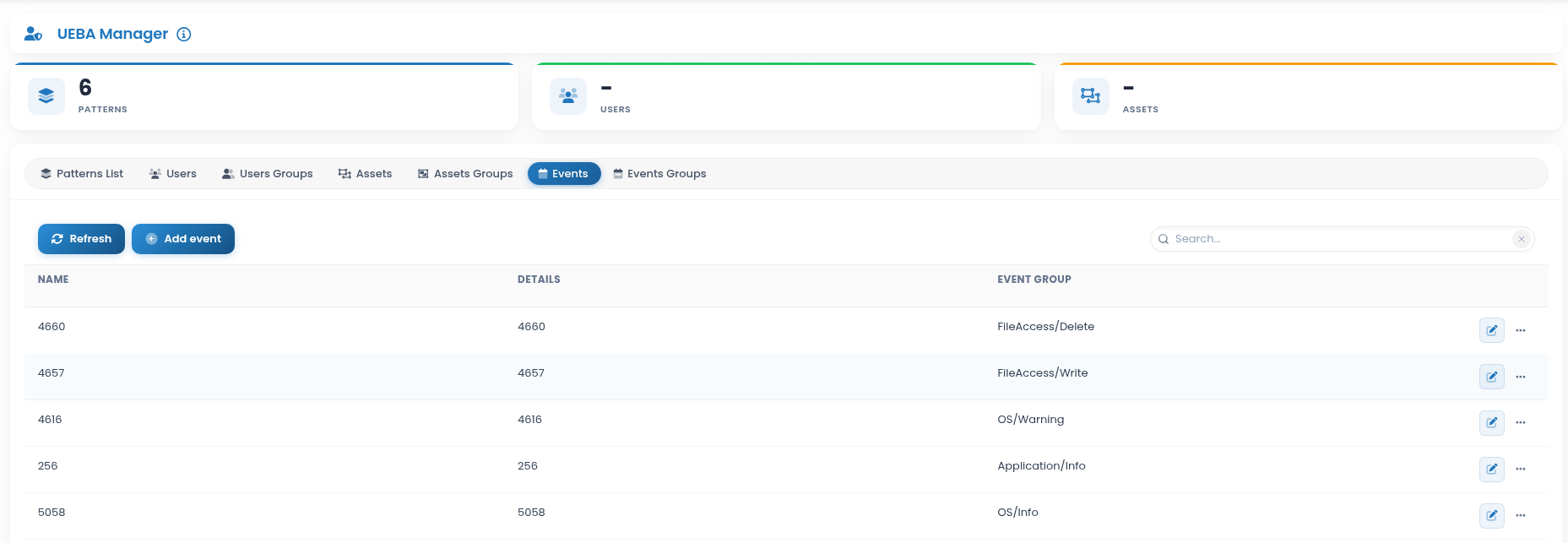
To add an event, click the “Add event” button:
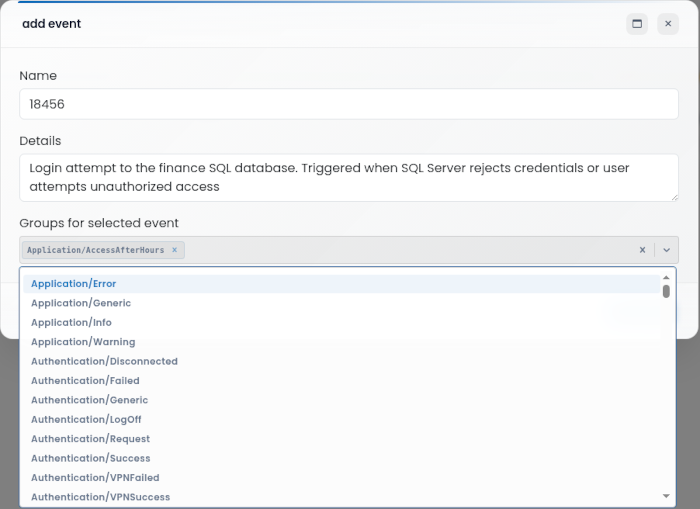
Name: Name that identifies the event
Details: Additional details about the event
Group for selected event: Group to which the event belongs
Click Save to create or update the event entry, or Cancel to discard.
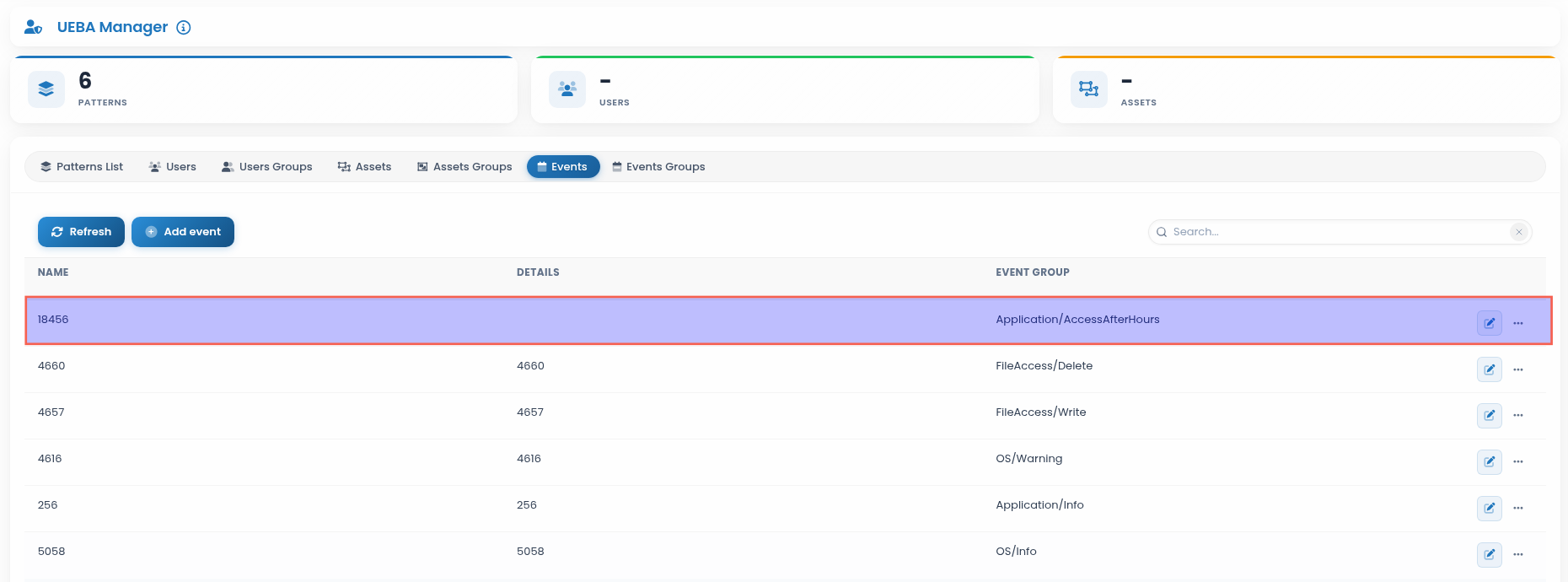
The Events view lists configured events and provides options to edit, update, or delete:
Patterns list
Define patterns that determine the risk factor associated with each event. To add a pattern, click the “Add pattern”.
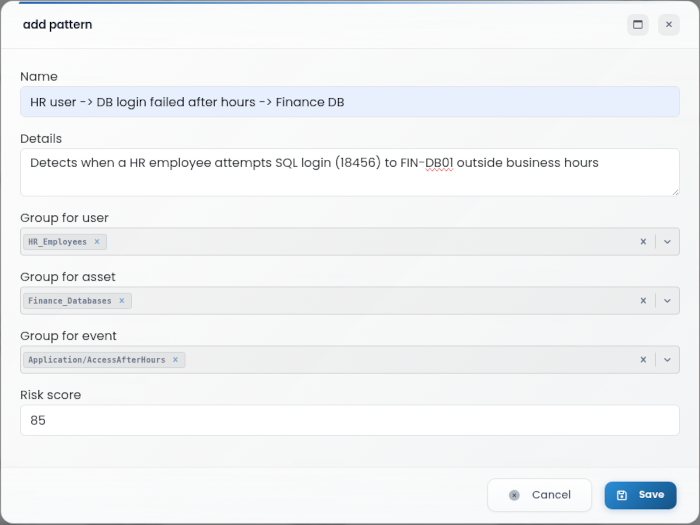
Name: Name that identifies the pattern
Details: Additional details about the pattern
Group for user: User group to which the pattern applies (from Users Groups)
Group for asset: Asset group to which the pattern applies (from Assets Groups)
Group for event: Event group to which the pattern applies (from Events Groups)
Risk score: Risk score from 0 to 100 associated with the pattern
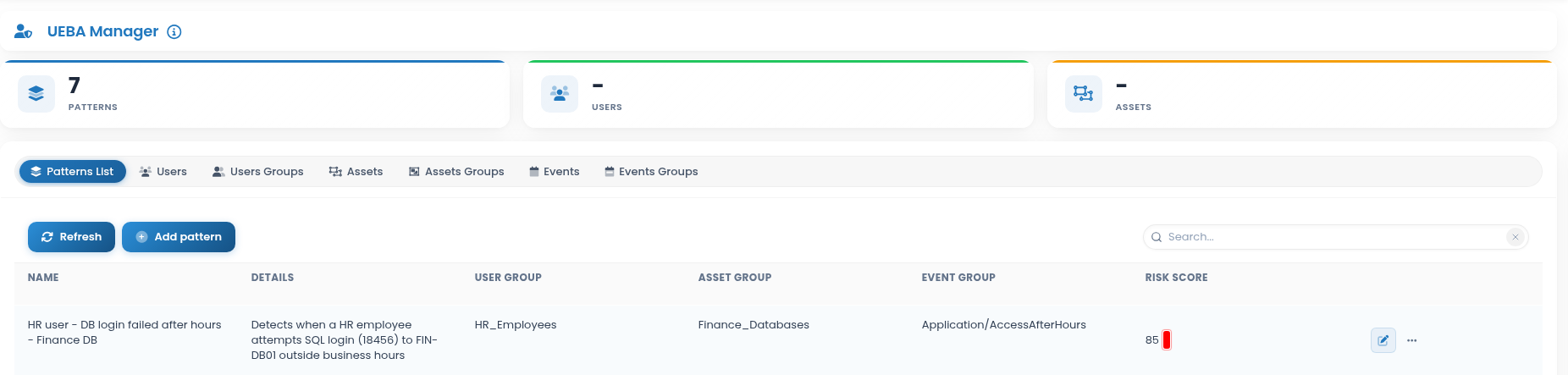
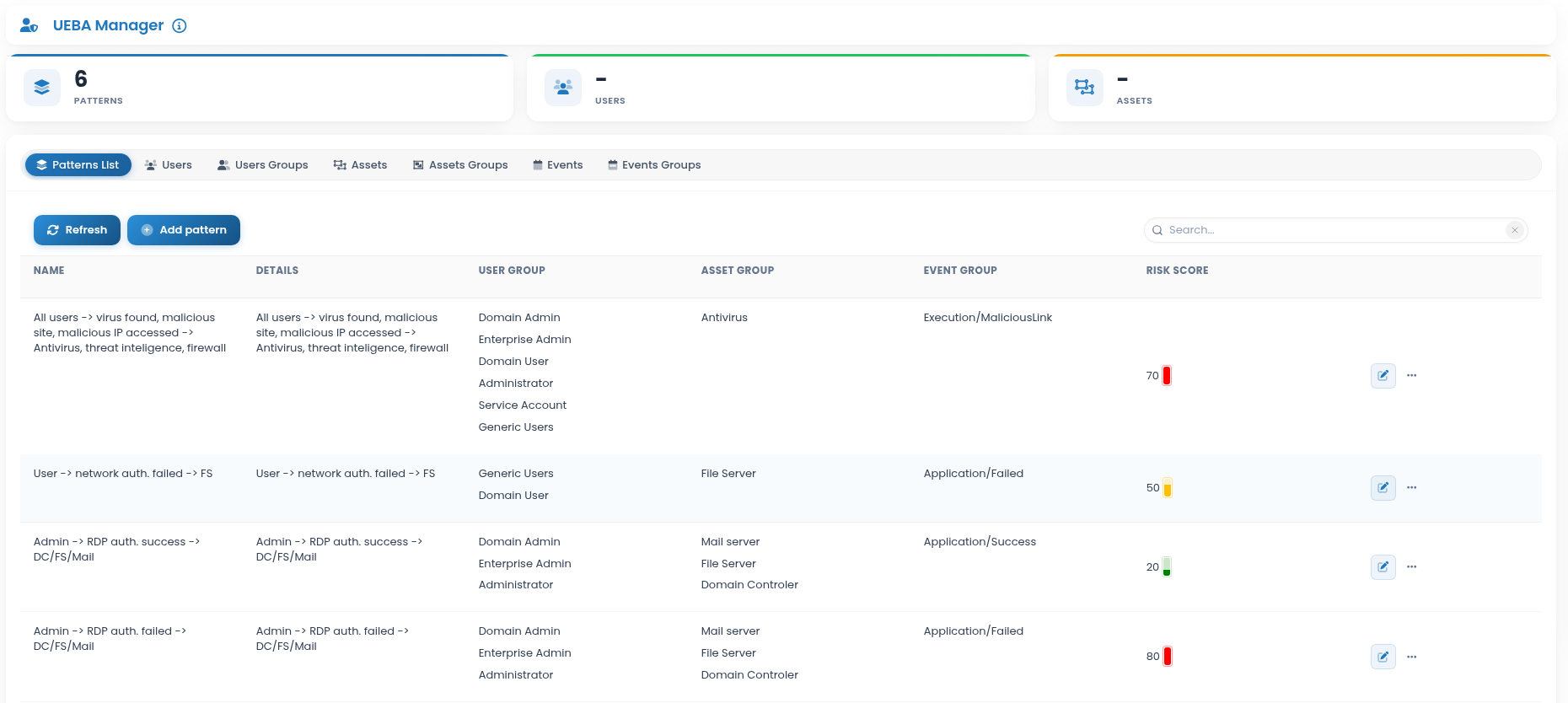
The Patterns view lists configured patterns and provides options to edit, update, or delete: